How it works
From a phone to the clips, by morning.
There’s no camera to buy and nothing to edit. Here is what happens to a game or match after you upload it.
- 01
Upload
Pick the video from your phone or computer: a game, a match or a practice. You can pick several pieces at once. The upload starts straight away, and a progress bar stays on screen until it’s done.
- 02
A few questions
While it uploads we ask what it was (game, match or practice), the player’s first name, and how to spot them: a jersey number for team sports, or what they’re wearing for tennis and golf. Then you tap the player once on a frame of the video.
- 03
Overnight
We find the moments the player was in and cut each one into its own clip. Other people’s faces are blurred whenever they’re large enough to recognise.
- 04
In the morning
You get an email when the clips are ready. If we’re unsure about a couple, we ask “Is this Sam?” and you answer yes or no.
- 05
Pick a skill
The clips are sorted by what’s happening in them. Open one tab and watch that skill back to back: serves in tennis, faceoffs in hockey, throws in football or free throws in basketball.
- 06
Download it, or send it
The clips stay private in your account. We recommend downloading them, which gives you a folder of clips and one file that plays them offline, or sending one link to a coach, who can watch and download them too. Once you download them, they come off our servers for good.
Work on one skill
The clips are sorted by what’s happening in them. Open one tab and watch that skill back to back, clip after clip, which is the quickest way to see what your form is really doing.
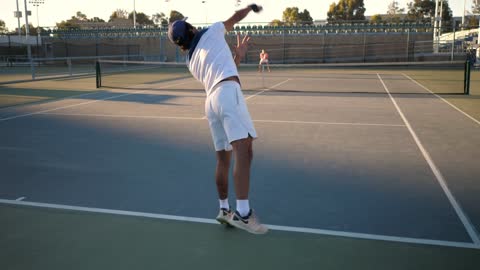 Serve 1
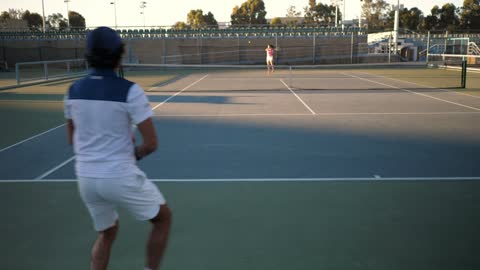 Serve 2
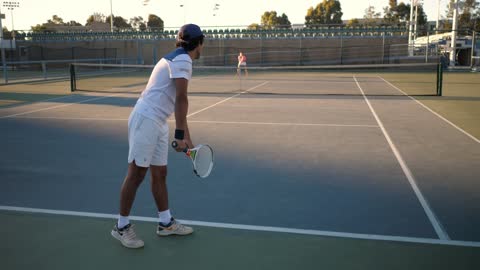 Serve 3
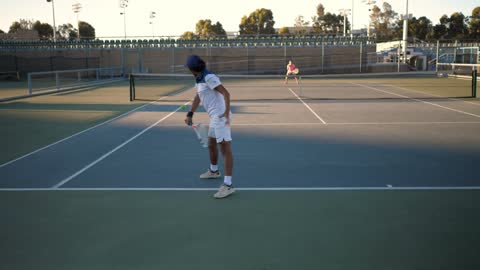 Serve 4
 Serve 5
 Serve 6
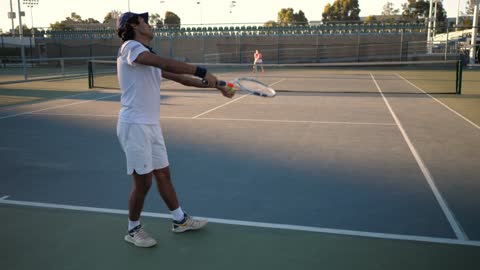
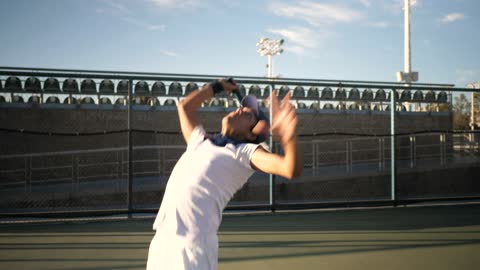
Pick serves and they play one after another, so you can compare the toss, the swing and the landing without hunting for them.
 Zone entrie 1
 Zone entrie 2
 Zone entrie 3
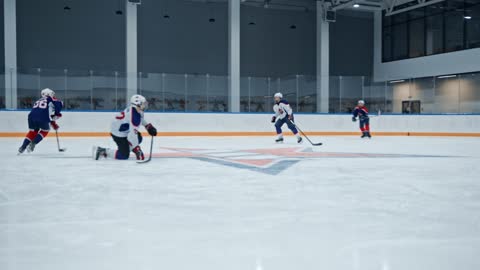 Zone entrie 4
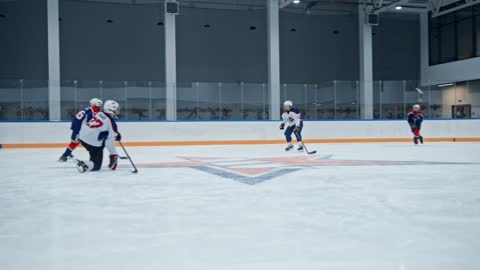 Zone entrie 5
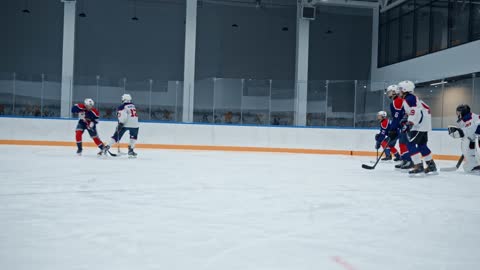 Zone entrie 6
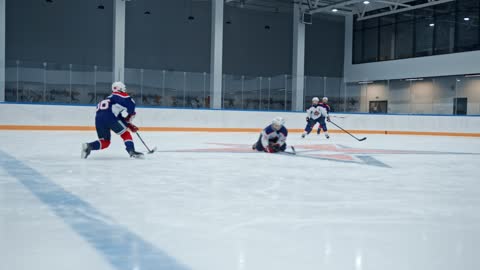
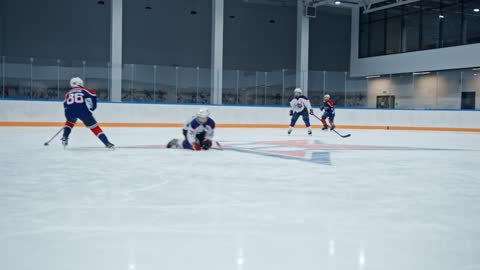
Pick a skill and those clips play one after another. Faceoffs let you compare your stance, your hands and the draw. Zone entries show how you carry the puck over the line.
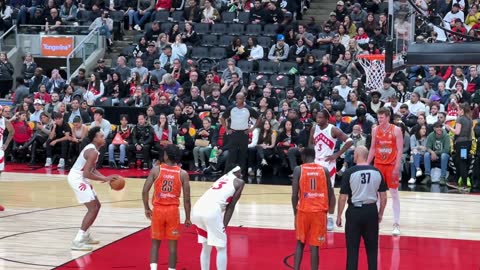 Free throw 1
 Free throw 2
 Free throw 3
 Free throw 4
 Free throw 5
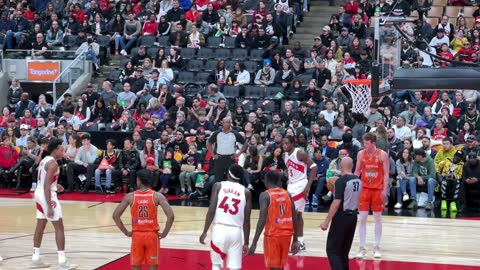 Free throw 6
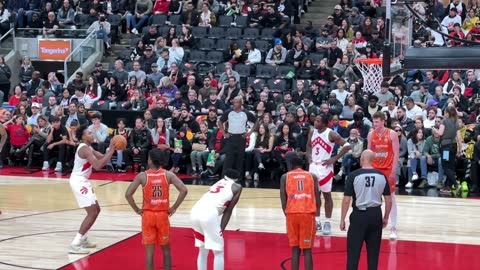
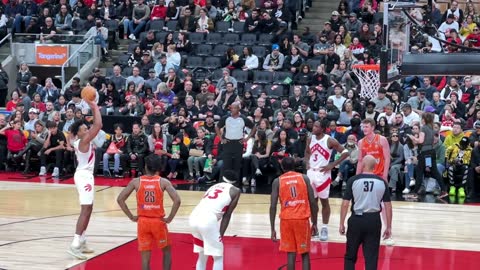
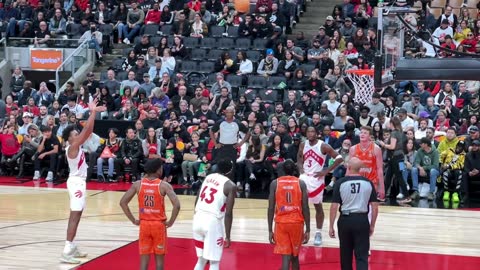
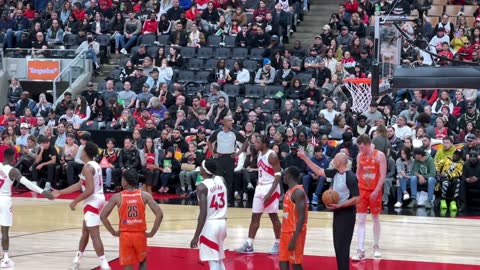
Pick free throws and they play one after another, so you can compare the set-up, the release and the follow-through, shot after shot.
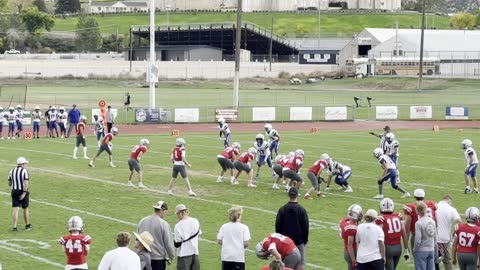 Throw 1
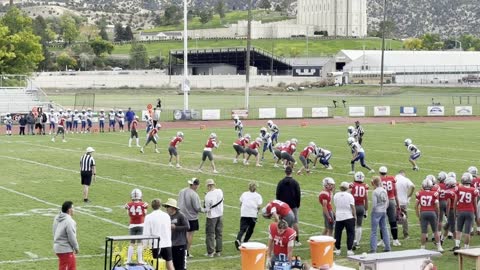 Throw 2
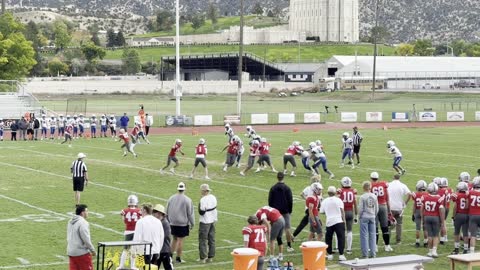 Throw 3
 Throw 4
 Throw 5
 Throw 6
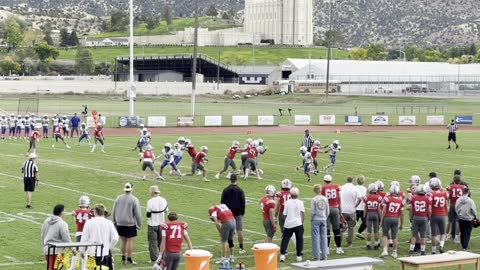
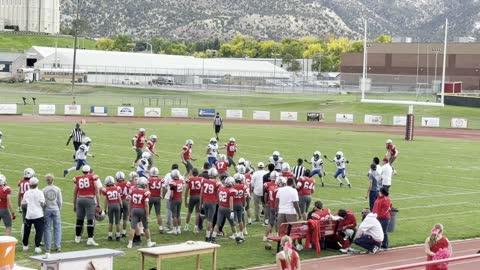
Pick throws and they play one after another, so a quarterback can compare the drop, the footwork and the release. Linemen and receivers get their own tabs.
Coming soon. Get an email when it’s ready.
Coming soon. Get an email when it’s ready.
For parents filming their kids
Most of what gets uploaded is a parent’s video of their own child, with other people’s kids in the frame too. Here is how we treat it.
Never used in advertising without a separate signed release
Your video is yours. We don’t use it to promote Orange Slice unless you sign a separate release saying we can, and we don’t sell it or share it.
Stored securely
Clips are stored encrypted and private to your account. You choose who else sees them by sending a link.
Gone when you download
Download your clips and they come off our servers for good. We recommend it.
Other people blurred
Other players aren’t labelled or stored. Their faces are blurred whenever they’re large enough to recognise.
No photos
You tap the player once on a frame of your own video. We never ask for a photo, and we never build a model of anyone’s face.
Consent first
Players under 18 are signed up by a parent or legal guardian, who agrees before any video is uploaded.