Tennis
The points from your match, cut by morning.
Upload the match from your phone. We find the player by what they’re wearing and cut the points they played.
What you get
The points
A two-set match can run past 120 points. The walking, towelling and ball-fetching between them gets cut.
Sorted by skill
The clips are tagged by shot: serves, returns, forehands and backhands. Pick one and only those clips play.
The folder
Download all gives you the clips and one file that plays them, offline, in any browser. Or send a link to your coach, who can watch and download them too.
Work on your serve
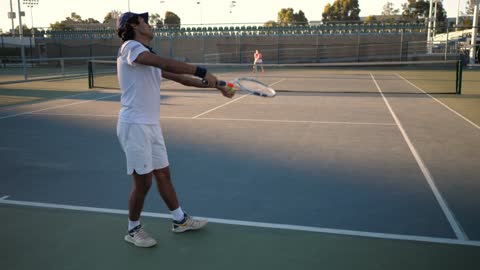
The clips are tagged by skill. Pick serves and only the serves play, one after another.
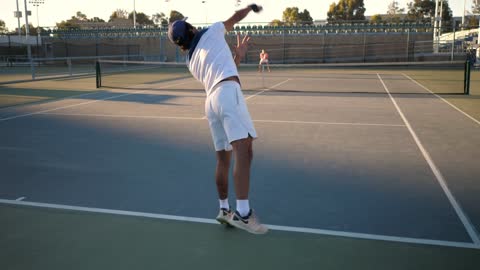 Serve 1
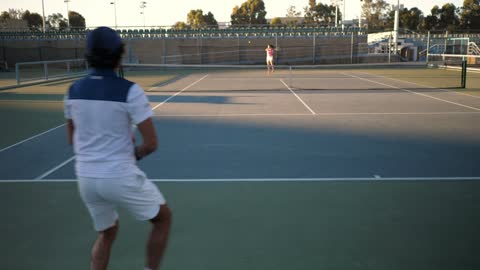 Serve 2
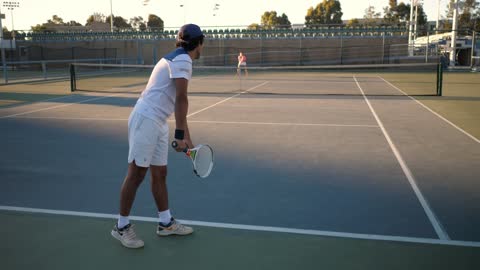 Serve 3
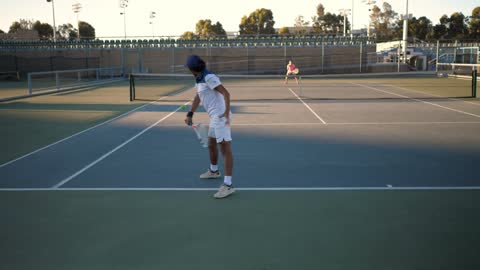 Serve 4
 Serve 5
 Serve 6
Pick serves and they play one after another, so you can compare the toss, the swing and the landing without hunting for them.
How it works
- 01
Upload the match
Send the video from your phone: a match or a practice. The upload starts straight away.
- 02
Tell us what they’re wearing
Shirt and shorts colour is usually enough. For doubles, tell us which side they started on.
- 03
Open the clips in the morning
The player’s points, cut, in order and sorted by skill. If we’re unsure about a couple, we ask you to check them.
What we ask while it uploads
- Match, practice or lesson
- Singles or doubles
- The player’s first name
- Tap the player on the video
- Which court, if you can see more than one
- The final score, for matches
What happens to the video
- It’s never used in advertising without a separate signed release
- It’s stored encrypted and private to your account
- The video you upload is removed once the clips are made
- The opponent isn’t labelled or stored, and faces are blurred whenever they’re large enough to recognise
- We never ask for a photo of the player
Filming tips
The filming guide →- Turn the phone sideways.
- Zoom so the court fills the screen. Stand behind the baseline if you can.
- Keep the fence, the net post and people out of the way.